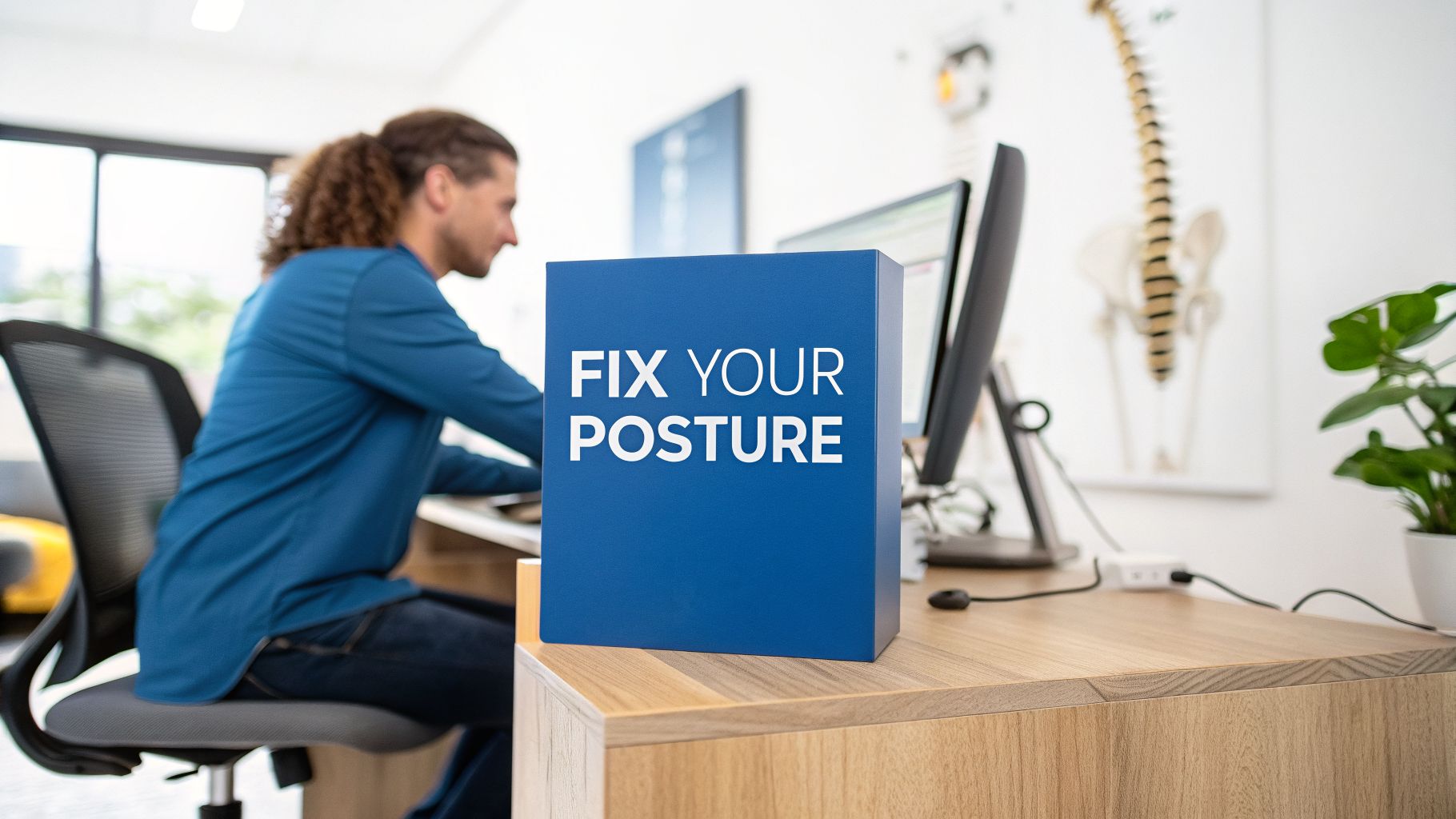
What Is Tech Neck and How Can You Prevent It While Working From Home?
Over the past several years, I have seen a significant increase in patients coming into my office with neck pain, shoulder tension, headaches, and upper back discomfort related to their daily technology use.
Many of these patients spend hours each day looking down at laptops, tablets, and smartphones. While technology has made working and communicating easier than ever, it has also created new challenges for our posture and spinal health.
This condition is commonly known as tech neck.
As a chiropractor in Roscoe Village, I regularly help patients who are experiencing neck pain from computer use and other technology-related habits. The good news is that with better ergonomics, improved posture habits, regular movement, and appropriate chiropractic care, many people can reduce their discomfort and improve how their body functions.
What Is Tech Neck?
Tech neck refers to neck pain and related symptoms caused by prolonged forward-head posture while using electronic devices.
When your head moves forward away from its natural position over your shoulders, the muscles and joints of your neck must work harder to support its weight.
Your head weighs approximately 10–12 pounds in a neutral position, but as your head tilts forward, the stress placed on your neck increases significantly.
Over time, this repeated strain may contribute to:
- Neck stiffness and soreness
- Upper back tension
- Shoulder discomfort
- Tension headaches
- Reduced neck mobility
- Muscle fatigue
- Poor posture
Many people don’t notice the problem developing because it happens gradually. They may simply realize one day that their neck feels tight after working, driving, or looking at their phone.
Why Does Working From Home Increase Neck Pain?
Working from home offers many benefits, but it can also create posture challenges.
In a traditional office setting, many workstations are designed with ergonomics in mind. At home, people often work from:
- Kitchen tables
- Couches
- Beds
- Improvised desk setups
- Laptops placed too low
While these positions may feel comfortable temporarily, they often encourage poor posture.
A common example is using a laptop directly on a desk or table. Because the screen and keyboard are connected, many people naturally lean forward and look downward for hours at a time.
This creates the perfect environment for neck pain from computer use.
How Poor Posture Affects Your Spine
Your spine is designed to support your body efficiently when it is properly aligned.
When your head moves forward, your neck muscles must constantly work to hold that position. Over time, this can lead to muscle fatigue and increased tension.
Poor posture may also affect:
- The movement of your neck joints
- Your upper back mobility
- Shoulder positioning
- Breathing patterns
- Overall comfort during daily activities
The goal is not to maintain a rigid “perfect posture” all day. The human body is designed to move. The biggest problem is staying in the same position for too long.
How to Improve Your Home Office Ergonomics
Creating a better workstation is one of the simplest ways to reduce stress on your neck and spine.
Position Your Monitor at Eye Level
Your screen should be positioned so you can look straight ahead rather than constantly looking downward.
If you use a laptop, consider:
- Raising the laptop screen
- Using an external keyboard and mouse
- Adding a monitor stand
Keep Your Shoulders Relaxed
Your shoulders should not be constantly elevated or rounded forward.
Adjust your chair height so your arms can rest comfortably while typing.
Support Your Lower Back
A chair with proper lumbar support can help maintain a healthier spinal position and reduce the tendency to slouch.
Take Frequent Movement Breaks
Even the best workstation cannot replace movement.
Try standing, walking, or stretching every 30–60 minutes. Small movement breaks throughout the day can make a significant difference.
Simple Stretches for Tech Neck
Regular stretching can help counteract the effects of prolonged sitting and screen use.
Chin Tucks
Sit upright and gently draw your head straight backward, creating a “double chin” position.
Hold for a few seconds and repeat several times.
This exercise helps strengthen muscles that support proper neck alignment.
Neck Side Stretch
Gently tilt your ear toward your shoulder until you feel a comfortable stretch along the side of your neck.
Avoid forcing the movement.
Chest Stretch
Because forward-head posture often goes along with rounded shoulders, stretching the chest muscles can help improve upper-body mobility.
Place your hands on a doorway and gently stretch your chest forward.
Upper Back Mobility Exercises
Movement exercises for the upper back can help improve flexibility and reduce stiffness caused by prolonged sitting.
Tech Neck Treatment: How Chiropractic Care May Help
Many patients ask me if chiropractic care can help with tech neck.
The answer is that chiropractic care may be a helpful part of a comprehensive approach to managing neck discomfort related to posture and repetitive strain.
During an evaluation, I look at how your spine is moving, your posture, muscle tension, and how these factors may be contributing to your symptoms.
Depending on your individual needs, chiropractic care may include:
- Chiropractic adjustments
- Soft tissue therapy
- Mobility exercises
- Stretching recommendations
- Posture education
- Ergonomic recommendations
When spinal joints are restricted or not moving properly, surrounding muscles may tighten to compensate. Improving joint mobility and addressing contributing factors may help patients move more comfortably.
Don’t Ignore Persistent Neck Pain
Occasional neck stiffness after a long day at the computer is common. However, ongoing symptoms should not simply be ignored.
I recommend having your neck evaluated if you experience:
- Neck pain that continues for weeks
- Frequent headaches
- Pain traveling into your arms
- Numbness or tingling
- Reduced range of motion
- Pain that affects sleep or daily activities
A proper evaluation can help determine whether your symptoms are related to posture, muscle tension, joint restrictions, nerve irritation, or another condition.
Small Changes Can Make a Big Difference
Preventing tech neck does not require completely changing your lifestyle. Small, consistent improvements can have a major impact.
Try these simple habits:
- Bring your phone up closer to eye level instead of looking down.
- Adjust your computer setup.
- Move regularly throughout your workday.
- Strengthen your postural muscles.
- Stretch tight areas regularly.
- Pay attention to how you sit and stand.
Your spine was designed for movement, not hours of uninterrupted sitting.
Helping Remote Workers Move Better
Technology is a part of modern life, and avoiding screens completely is unrealistic. The goal is learning how to use technology in a way that supports your health.
As a chiropractor in Roscoe Village, I work with many patients who experience neck pain from computer use, poor posture, and daily stress on their spine.
At Pure Motion Chiropractic, my goal is to help patients understand the cause of their discomfort and develop a plan to improve mobility, reduce pain, and support long-term spinal health.
If you are dealing with tech neck, neck stiffness, or discomfort from working at home, I would be happy to evaluate your condition and discuss how chiropractic care may help you move and feel better.